For Webflow sites, with or without Localization
Your Webflow site in every language, paid once.
Page Translator copies your pages into a folder per language, translates them, and keeps your design, components and Webflow interactions. Animations that run on a single page need one manual step. Webflow Localize starts at $9 a month and costs more with each language you add. Here you pay €49 once per site. If your site already uses Localization, the app writes the translations into your locales instead, and you can still choose separate pages.
Who it is for
Freelancers and studios who ship Webflow sites on the Basic plan.
You need a second language on a client site, and you do not want to add a monthly fee for each one. Page Translator works on the Basic plan.
How it works
Three steps, about 1 minute per page.
01
Pick languages and pages
Choose one or more target languages. Every static page is selected by default, untick the ones you leave out.
02
Translate
Instant translation is included, up to 500,000 characters a month. You can also use your own DeepL key.
03
Publish
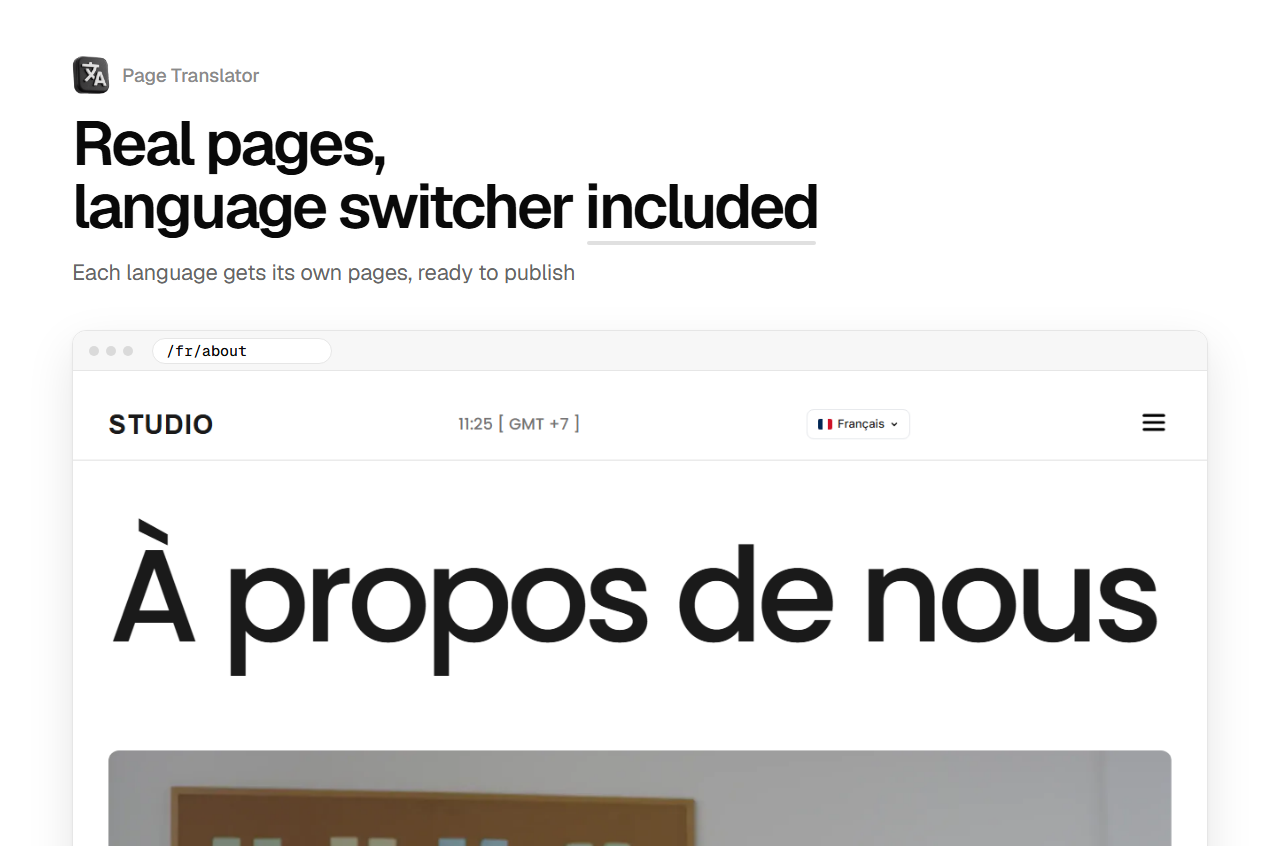
Each language gets real pages, like /fr/about, a language switcher, and a sitemap with hreflang links for Google.
Webflow Localize or Page Translator
What changes on the bill and on the site.
If you already pay for Localize, Page Translator writes into your locales with up to 500,000 characters a month of Instant translation, far above the AI words of Localize Essential. If the fee per language is the problem, it builds separate language pages on the Basic plan.
Localize prices from webflow.com/pricing, read on 19/10/2026, in USD, per site, plus applicable taxes.
Localize, Weglot, Lantis, Linguana and GTranslate compared over one and three years
Price
€49 once, per site.
- Every language and every static page of that site
- Instant translation up to 500,000 characters a month
- One license covers one site
- Refund within 14 days if PRO does not work as described
Your first translation is free, in one language, before you pay.